No event is as tricky as a wedding. You've got five generations on one dance floor, a couple with clear expectations, an aunt who's been waiting for easy-listening hits since 8 PM, and a best man who wants techno from midnight. And everyone's talking to you. At the same time.
The classic approach — scraps of paper, shouts, phones shoved in your face — almost always ends the same way: you lose track, you lose your flow, and someone ends up disappointed. There's a better way.
The Real Problem at Weddings
It's not the song requests themselves. It's three things:
- The channel. Requests come verbally, mid-transition, in a loud environment. You can't understand half of them.
- The priority. The bride's request carries different weight than Cousin Kevin's. You can't tell from a pile of scraps.
- The feedback. The guest doesn't know if their request arrived — so they ask again. And again. And send their friend over.
A QR code request system solves exactly these three issues.
How the Wedding Runs with a QR Code
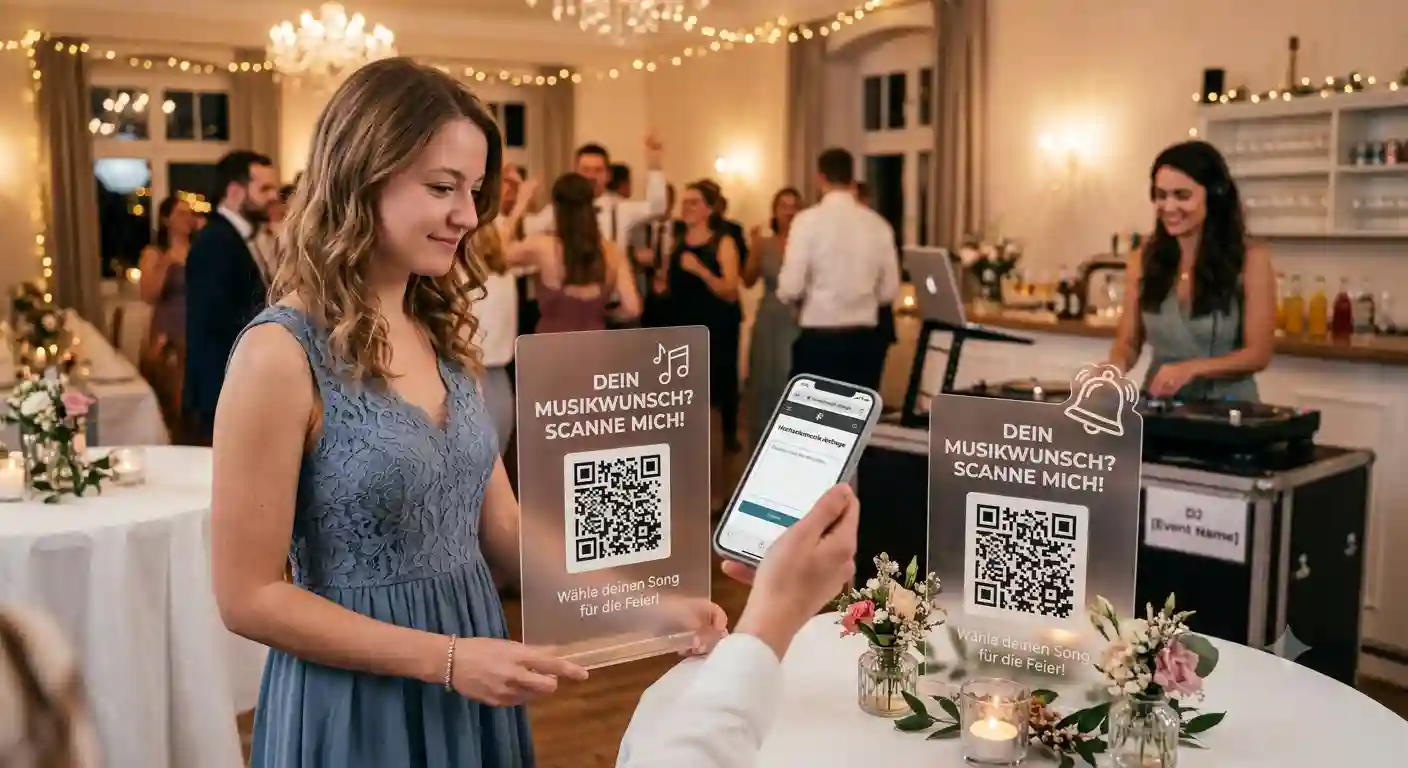
You create the event beforehand and get your QR code. The matching templates go on the tables — for weddings, the foldable decorative cube or the table tent are especially popular, though classic A4 and A6 printouts are also available.
Guests scan with their phone, type in their song request, done. No app download, no registration — that's crucial at weddings, because otherwise half the guests drop out.
Everything comes together on your dashboard. You accept, decline, or mark as played — without anyone tapping your shoulder.
The Couple's Must-Play List — Separate from Everything Else
This is the point that costs most DJs the most nerves: the couple has songs that absolutely must be played. And songs that must never, under any circumstances, be played.
With the Pro plan, the couple (or the event organizer) gets a separate, password-protected link for the must-play list. These songs land in your dashboard cleanly separated from guest requests. You see immediately: this is mandatory, that's a suggestion.
The side effect is the real win: no more pre-event discussions via late-night voice messages. The couple enters their list themselves, and you have it in writing.
Collecting Requests Before the Wedding
You can open the request list before the event — protected by a password so only invited guests have access. The couple can include the link in the invitation or in the wedding group chat.
What you get from this: you don't arrive at the wedding without a plan. You'll know beforehand whether guests are expecting ballroom dancing or hip-hop — and can prepare your sets accordingly.
The Request Traffic Light: Your Emergency Exit for the Evening
After 10 PM, weddings often get hectic. Everyone's warmed up, everyone has ideas. That's exactly what the request traffic light (from Standard) is for:
- Green: All relaxed, requests welcome.
- Yellow: High demand — guests can see it's busy right now.
- Red: Intake paused. You run your peak block without new requests trickling in.
You can also freeze intake entirely with a single click. More on this in the article Stop Annoying Song Requests: The Request Traffic Light for DJs.
Live Status: No More Follow-Up Questions
The most underestimated feature. Your guests see on their own phone whether their request has been accepted, scheduled for later, doesn't fit right now, or has already been played.
It sounds small, but it changes the entire evening: no one comes to the booth anymore to ask "Is my song still coming?". The answer is already on their screen. This is also included from the Standard plan.
Everyone Wants a Say — The Popularity Counter Decides
When eight people independently request the same track, that's not a coincidence — it's a signal. Multiply-requested songs appear in your list only once, with a counter next to them (e.g. 🔥 8×). The song that will actually fill the dance floor automatically rises to the top. And you can place it at exactly the right moment.
Tips Without Cash
At weddings, guests rarely have cash on them — but still want to slip you something at the end of a great night. With the Pro plan, there's a digital tip jar via PayPal right next to the request button. Details in PayPal Tips: More Revenue for DJs & Musicians.
The Book-Me Button: One Wedding Leads to the Next
At every wedding, there are people who are about to get married themselves, planning a milestone birthday, or organizing a corporate event. And they're watching you at your best right now.
With the "Book Me" button (Pro), guests can send you a booking inquiry for their own event — directly from the request page, while the mood is at its peak. Inquiries land in your account. No stack of business cards ending up in the washing machine.
Your Look, Not Ours
From the Standard plan, you can customize colors, logo, and event image. The request page can match the wedding theme or your DJ branding. For the couple, it looks thoughtful — and for you, it's free advertising on every single guest's phone.
Trust: Made in Germany
Wedding guests are sensitive about data. DJ Beat & Bite is Made in Germany, runs on German servers, and is GDPR-compliant. Since guests don't need to register, no user accounts are created. That's an argument you should definitely mention when talking to the couple.
What It Costs
You can start for free with the Free plan (one active event, up to 30 requests). For real weddings, you'll realistically need the Standard plan — currently €4 per month (introductory price, regular €6) — for unlimited requests, traffic light, live status, and branding.
The wedding-specific features — the couple's must-play list, PayPal tips, and the "Book Me" button — are in the Pro plan at €6 per month (regular €9). A single follow-up booking from the guest button pays for itself for years.
Conclusion
As a wedding DJ, you're not just selling music — you're selling composure. A QR request system gives you exactly that: all requests in writing, the couple's must-play songs cleanly separated, guests feeling heard — and you staying behind the decks instead of sorting scraps of paper.
How the system works in general is explained in the article Song Request via QR Code.